Yono Games
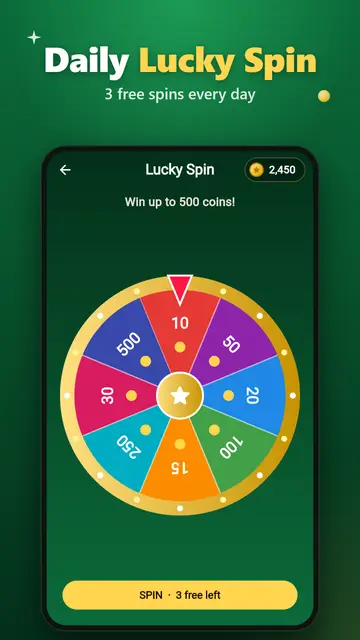
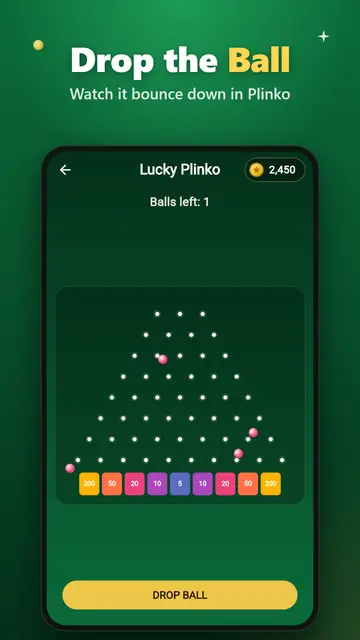
6 quick mini-games plus a daily Lucky Spin and Plinko. Play for fun, anytime!
- ▦CategoryArcade
- ▢PlatformAndroid
- ✓PriceFree
- ◎CoinsVirtual only
About Yono Games
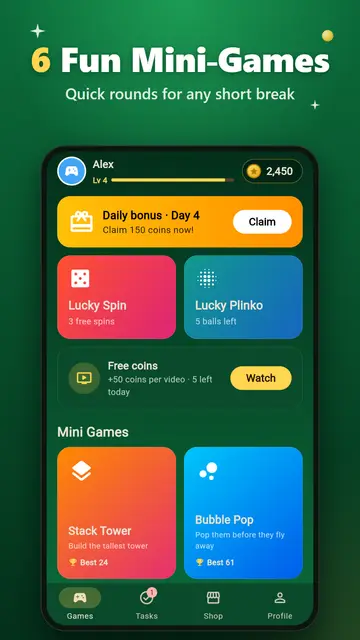
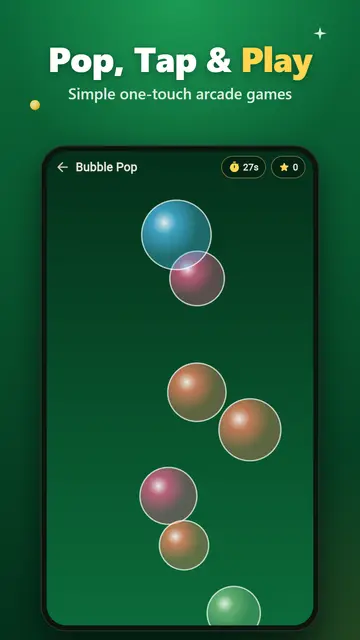
Yono Games (plural) is our arcade hub and the first of our games available on Google Play. It is not the same app as Yono Game, which is built around Mines. It holds six one-minute games: Stack Tower, Bubble Pop, Speed Tap, Number Dash, Coin Catcher and Dash Runner.
Each game tests a different skill, from timing and reflexes to quick mental maths, so it works well for short breaks during the day.
Yono Games screenshots
How to install Yono Games
- Open the Google Play button on this page, or search for “Yono Games” in the Play Store app.
- Check that the publisher and icon match the screenshots on this page before you tap Install.
- Install, open the game and pick a nickname. No payment details are needed.
- Set a time limit for yourself in Android Digital Wellbeing if you want to keep sessions short.
18+, virtual coins only. Play responsibly.
Yono Games: frequently asked questions
Which game in Yono Games is best for practising maths?
Number Dash. It asks quick arithmetic questions against the clock.
What is the difference between Yono Games and Yono Game?
Yono Games is a pure skill arcade hub with six one-minute games and a lucky spin, and it is on Google Play. Yono Game is a separate app built around the Mines grid game, with a smaller set of extra mini-games.
Can I win or withdraw real money in Yono Games?
No. Coins in Yono Games are virtual: they cannot be bought, withdrawn or exchanged for cash or prizes.
Where can I get Yono Games safely?
From the Google Play listing linked on this page.